
Welcome to our Resources page! Here, you’ll find a collection of articles, guides, and tools centered around Linux technology. Stay updated with the latest news, dive into detailed tutorials, and connect with other Linux enthusiasts. Your journey into the Linux world starts here!
Explore our collection of detailed Linux guides designed to elevate your skills. Each guide is packed with step-by-step instructions and helpful tips, making Linux usage easier for everyone. Dive in and start mastering Linux today!
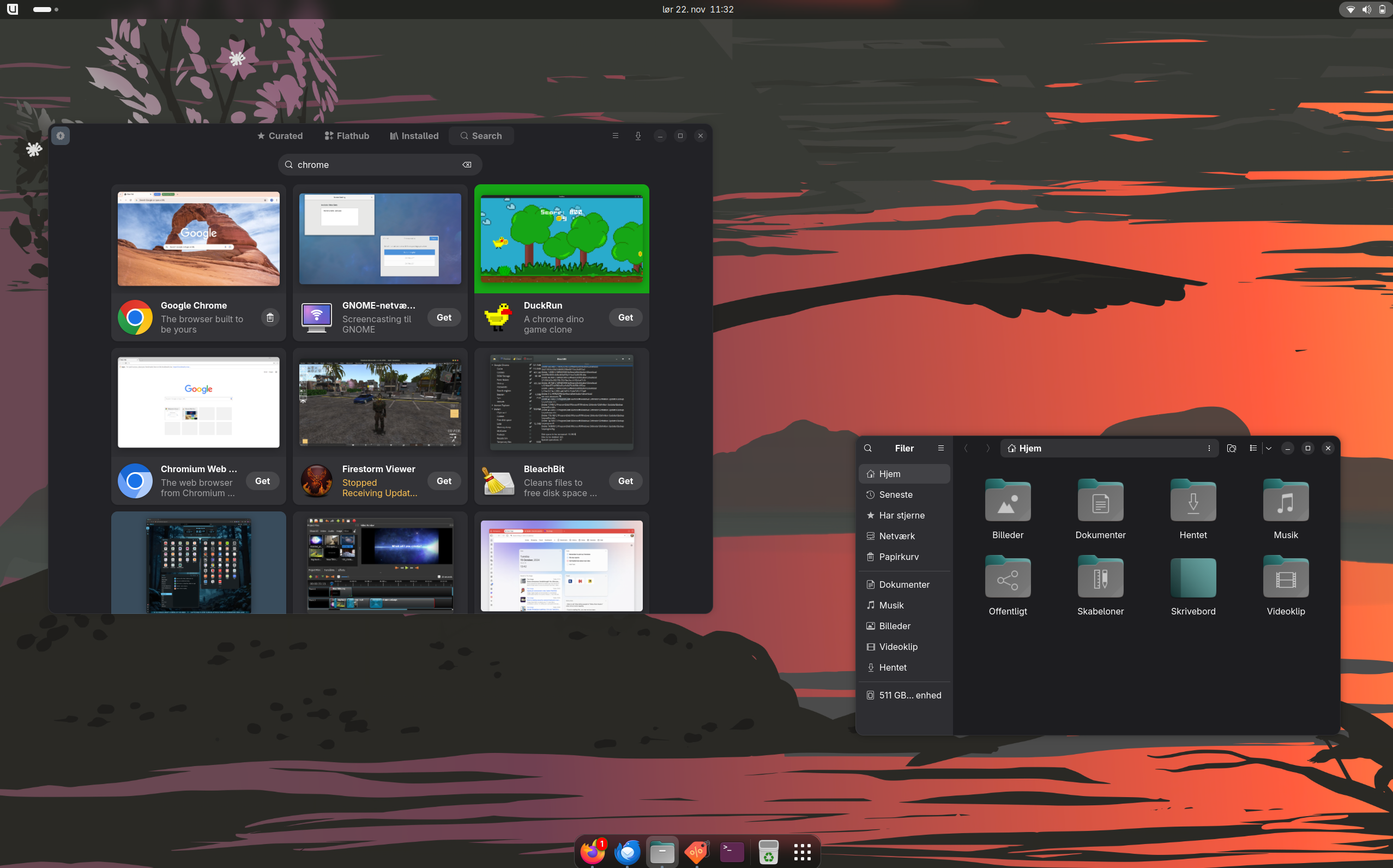
Linux is an open-source operating system that serves as an alternative to traditional operating systems like Windows and macOS. It’s widely used across servers, desktops, and other devices due to its flexibility and control.
Installing Linux depends on the distribution, but generally, you start by downloading an ISO file, creating a bootable USB drive, and following the on-screen instructions to set it up on your machine.
A Linux distribution is a version of Linux packaged with additional software and tools. Popular examples include Ubuntu, Fedora, and Debian, each offering unique features for various users.
Linux is known for its strong security features, including user permissions and frequent updates, making it a popular choice for both personal and enterprise environments.
Running Windows applications on Linux is possible through compatibility layers like Wine or using virtual machines. However, not all applications may function flawlessly.
The Linux kernel is the core part of the operating system, handling communication between hardware and software. It manages system resources and ensures that applications run smoothly.
You can find help with Linux through community forums, online documentation, and user guides. Don’t hesitate to reach out to communities like Reddit or Linux user groups for support.
Yes, Linux is highly customizable. You can change the desktop environment, install various applications, and even tweak system settings to match your preferences.
The command line is a powerful interface for interacting with the Linux system. It allows users to execute commands and scripts for a variety of tasks, giving you advanced control over your environment.
Some of the best Linux applications include GIMP for image editing, LibreOffice for productivity, and VLC for media playback. There’s a wide range available to suit different needs.
Access powerful tools designed for seamless workflows, making your daily tasks simpler and faster.
Navigate effortlessly with our intuitive design that meets your Linux needs without the hassle.
Find extensive guides and tips that help you master your Linux system and enhance your skills.
Be part of the conversation on Linux. Share your insights, ask questions, and learn together!