
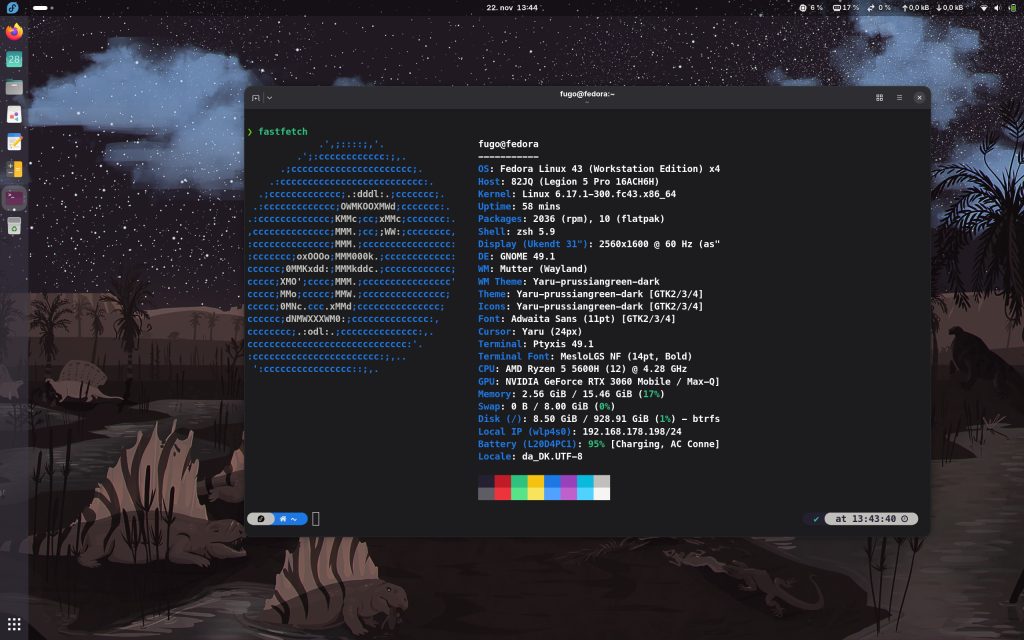
I got tired of Bluefin being slow at startup and the given constrains about installing cli programs. I like the looks of Bluefin a lot and I took the liberty to port some of the cool dinosaur wallpapers to Fedora 43 – Fedora is clean stable and fast to use – what’s not to like!
For Fedora to work properly with Nividia you have to either use the preselected open source driver. I have mixed experiences with this driver, so I decided to install the proprietary Nvidia driver. In order to install this it is necessary to enable the rpmfusion repositories:
sudo dnf install https://mirrors.rpmfusion.org/free/fedora/rpmfusion-free-release-$(rpm -E %fedora).noarch.rpm https://mirrors.rpmfusion.org/nonfree/fedora/rpmfusion-nonfree-release-$(rpm -E %fedora).noarch.rpm
update your system and install the linux-headers before the driver to ensure that the kernel will be build with support for the driver.
sudo dnf install kernel-devel kernel-headers gcc make dkms acpid libglvnd-glx libglvnd-opengl libglvnd-devel pkgconfig
Then install the Nvidia driver:
sudo dnf install akmod-nvidia xorg-x11-drv-nvidia-cuda
Then reboot the system and you should have your graphics run by your Nvidia graphics card. Should you end up with a black screen during this proces you can alter the boot by pressing the letter ‘e’ when you have the boot menu with the fedora installation. Then move the cursor down with the arrow keys and go to the end of the line beginning with linux – the append the text ‘nomodeset’ and press ctrl+x to boot with the kernel parameter.